
Component: Actions Feed
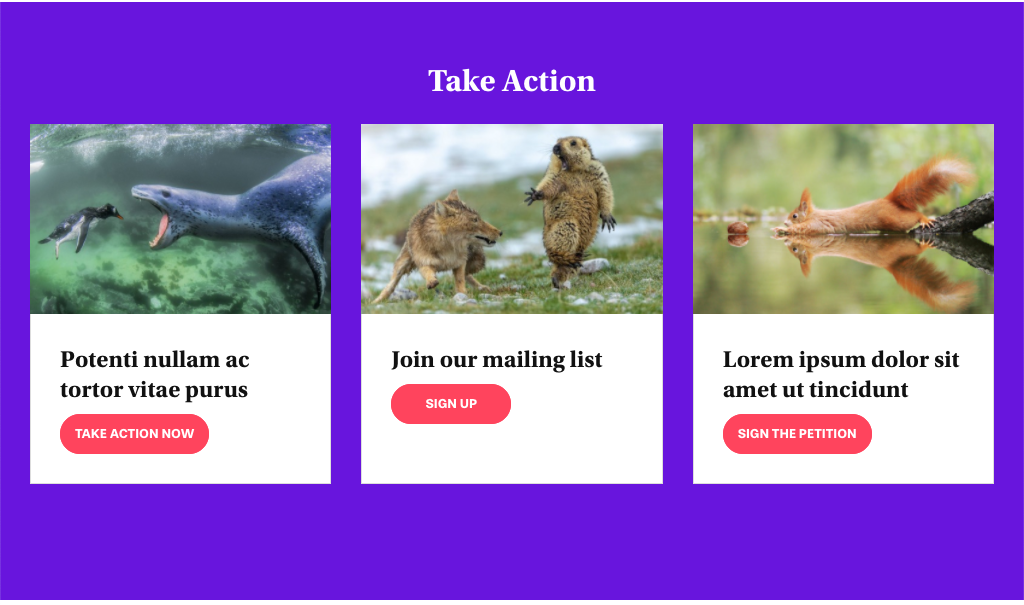
The Actions Feed displays actions from the Actions section of your site on to your page. To get the most out of the Actions Feed, you need to have already added individual actions to the Actions section of your site.
Settings
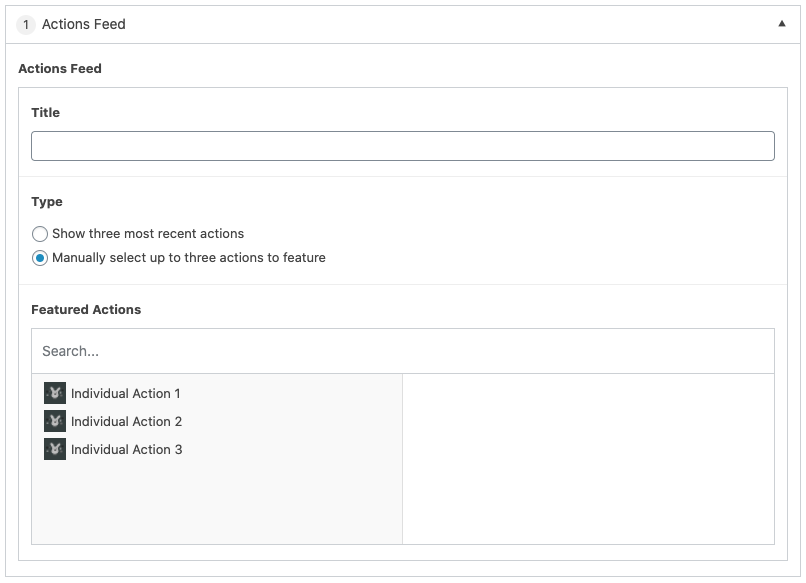
Title
The title of the feed that will be displayed on the page.
Type
Show three most recent actions displays actions in chronological order of the date created.
Manually Select up to three actions to feature provides the ability to manually select which actions you would like to showcase on the page.
Select the actions from the left column under Featured Actions to be added to the feed.
- You can change the order that they will appear by clicking/dragging the selected actions.
- Action can be removed from the feed by clicking the “-“.