
Component: Slideshow
The Slideshow component provides an interactive collection of photos.
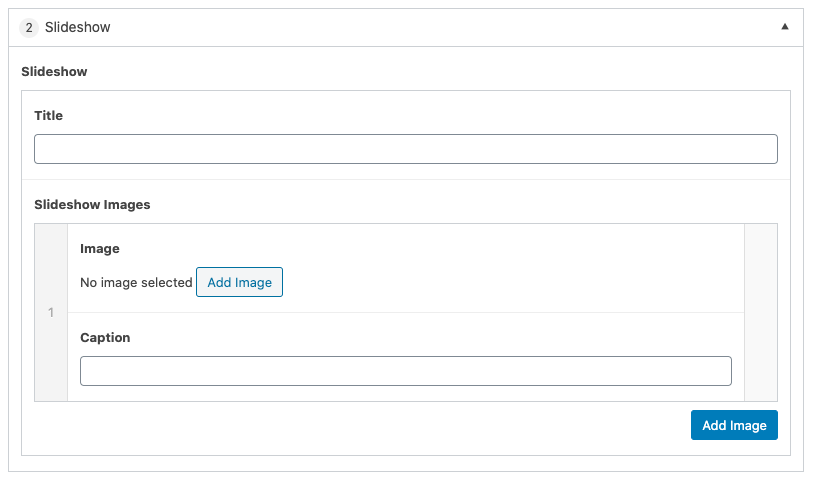
Settings
Title
The text that will be displayed at that top of the component. This field is optional.
Slideshow Images
Image – Select the “Add Image” button to insert an image into the slideshow. Select one image.
Caption provides a brief description below the image. This field is optional.
Add Image Button insert an additional set of fields to add more images to the slideshow.
- Select the “Add Image” button to add images to the slideshow. The Caption field is optional.
- Additional images can be added by selecting “Add Row” or selecting the “+” in the right side bar. Alternatively, the image can be removed by selecting the “-” in the right sidebar.
- The order of the images can be modified by clicking and dragging the left side bar and releasing in the desired position.