
The “Home” page
The Home page is a unique page within the Pages section that contains a bit more features and customization. It is denoted in the Pages list with “—Front Page”. The Home page contains an extra set of options located under the page title in the “Hero Layout” area of the admin workspace.
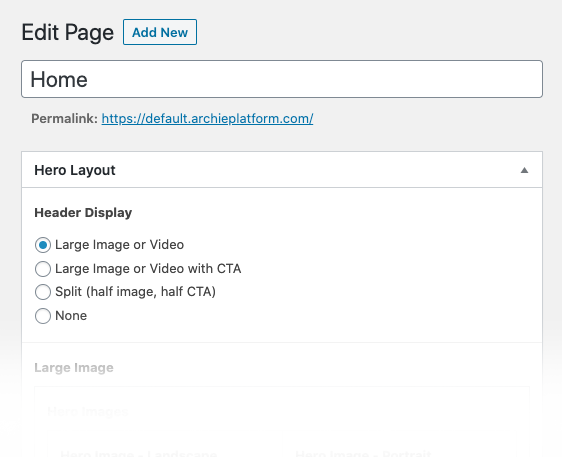
What is a hero? The hero area of a website is the top most area that typically describes an oversized banner image or video at the top of a website. It’s generally the most prominent area on the page.
Header Display
The Header Display section provides the settings for the various layouts available in the hero area of your site:
- Large Image or Video
- Large Image or Video with CTA
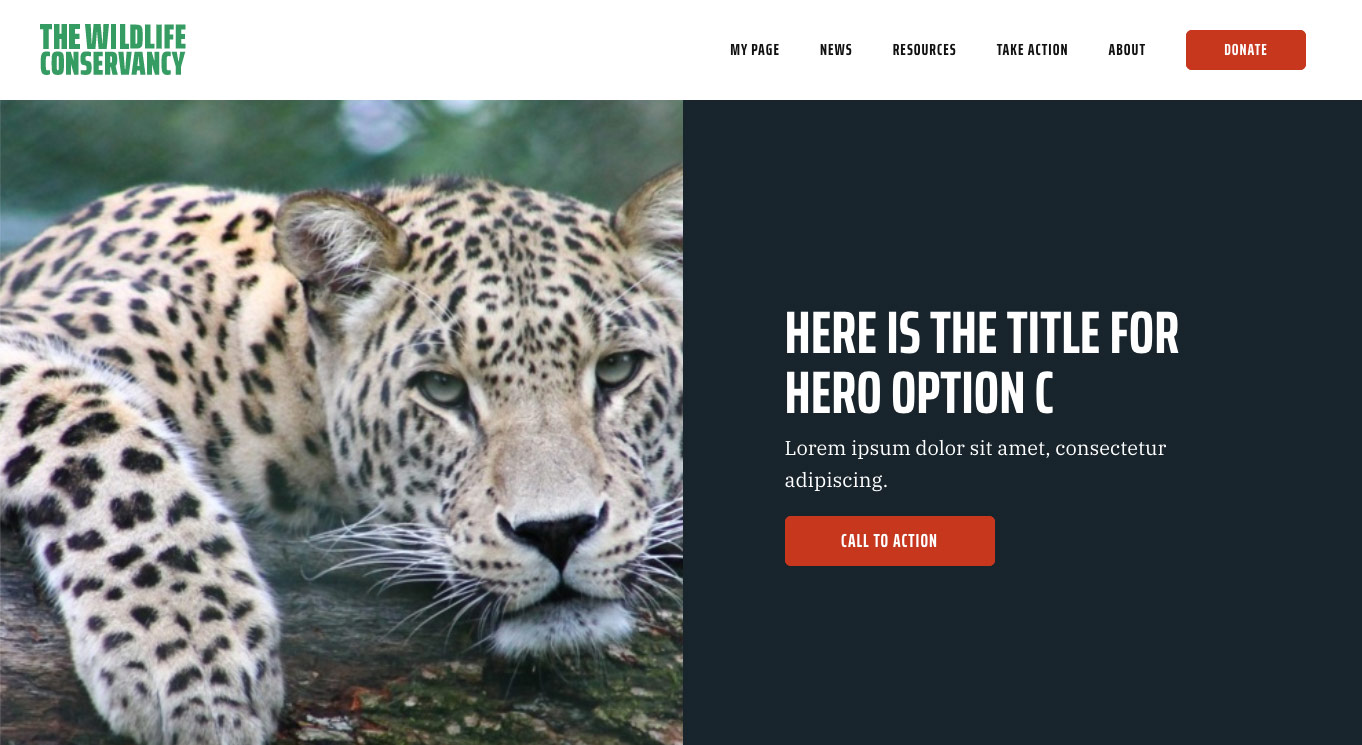
- Split (half image, half CTA)
- None
Large Image or Video
This option displays a large hero image or video in the hero area that fills the entire browser window. It also provides options for title, subtitle and button.

Settings
Hero Images
Hero Images is where you set the primary back ground image for the hero area. You can also set an optional portrait image to optimize for mobile devices.
- Hero Image – Landscape preferred image resolution of 2,500 px wide.
- Hero Image – Portrait preferred image resolution of 1,500 px wide.
Regardless of the image aspect ratio, that platform will always scale your image to fit the browser window.
Hero Video
When enabled, a full-height video will be shown instead of the images chosen above. The landscape image will be shown if the video can’t load. Additionally, when this option is enabled, the portrait image option no longer applies and the same video will play for desktop and mobile devices.
Title
The larger, more prominent text that will be displayed first in the hero area. This field is optional.
Subtitle
The smaller text that will be displayed underneath the Title. This field is optional.
Button
The button displays last under the text and subtitle. This setting is optional.
Large Image or Video with CTA

Split (half image, half CTA)
None
In cases where you do not want a hero. This option removes the hero area completely and moves other page contents up.
Reduce Height
The Reduce Height option prevent the hero area from displaying at 100% of the browsers height. When this option is checked, the hero area will be approximately half the height of the browser window.